DroPilot Modes
Major scale and melodic minor modes
Start with the seven major scale modes, then explore melodic minor modes for jazz, fusion and modern sounds.
Guitar modes practice appAvailable on the App Store and Google Play
DroPilot Modes helps you understand and practice modes on the guitar in a simple way. Choose a root note and a mode, and the app shows which notes you can play, how they are laid out on the fretboard and which chord type fits the sound best.


Free download · Android and iOS
Ideal for guitarists who want modes to stop being abstract fretboard diagrams and start recognising their sound.
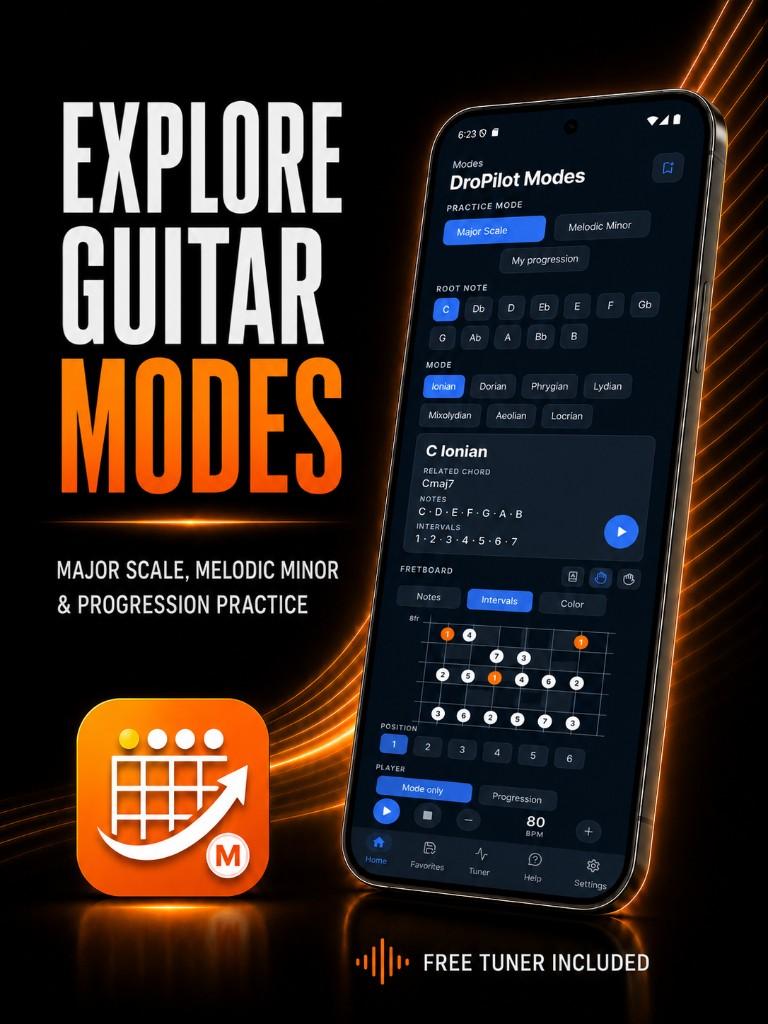
Choose a root note and a mode to see its notes, fretboard positions and a backing track to practise over. Understand how each mode sounds, not just memorise shapes.
Includes major scale and melodic minor modes, 7 positions per mode, notes and intervals, characteristic note highlighting with Color, and a player with vamp, progression and loop.
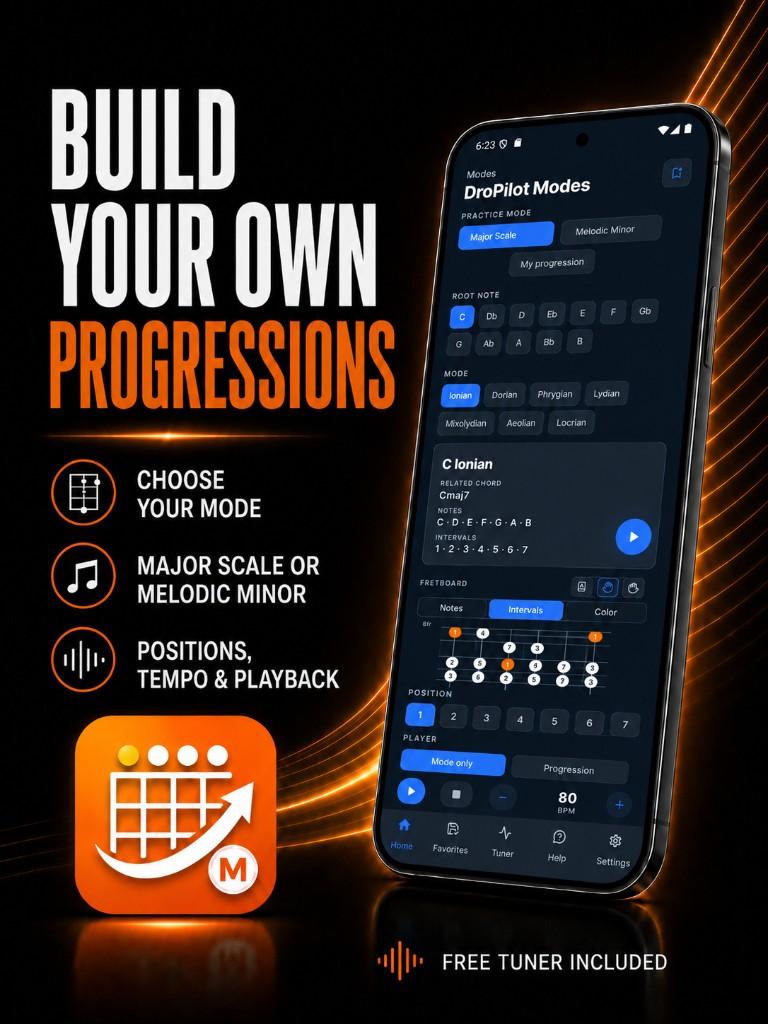
Explore Dorian, Phrygian, Lydian, Mixolydian and the rest of the major-scale modes, then move into melodic minor for jazz and fusion sounds. Each mode includes a simple backing track so you hear it in context.
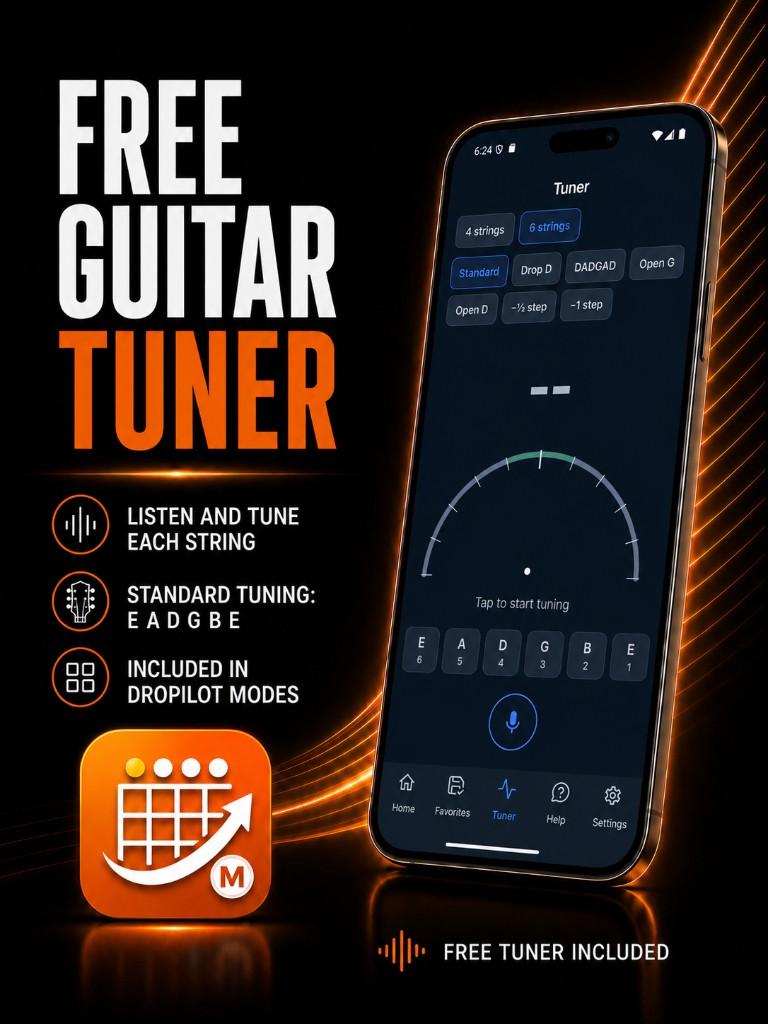
Practice across 7 positions, adjust tempo, use loop, highlight notes, try jumps and patterns and save favorites. A built-in tuner is also included among other tools.
Start with the seven major scale modes, then explore melodic minor modes for jazz, fusion and modern sounds.
View note names or intervals on the fretboard and highlight each mode's key note to understand what gives it its character.
Practise each mode across the fretboard in 7 positions and hear it over a simple backing track matched to the mode.
Adjust tempo, loop, use vamp or progression playback and save your setups in favorites. A built-in tuner is also included.
DroPilot Modes helps you understand and practice modes on the guitar in a simple, visual way. Choose a root note and a mode to see which notes you can play, how they are laid out on the fretboard and which chord type fits the sound best.
The app includes major scale modes (Ionian, Dorian, Phrygian, Lydian, Mixolydian, Aeolian and Locrian) and melodic minor modes for more advanced jazz, fusion and modern sounds.
Yes. Each mode includes a simple practice backing track so you can hear it over chords or a short progression, not only as a scale shape on the fretboard.
The app divides each mode into 7 positions so you can practise by zone. You can view notes, intervals or highlight the mode's characteristic note with the Color option.
You can use vamp or progression playback, loop, reverse, note highlighting, jumps and patterns, and save favorites. A built-in tuner is also included.
It is ideal for guitarists who want modes to stop being abstract fretboard diagrams and start recognising their sound: Dorian, Phrygian, Lydian, Mixolydian, melodic minor and more.
Yes. DroPilot Modes is available on Google Play for Android and on the App Store for iPhone and iPad.
Practice modes on the fretboard with real musical backing. Available on Google Play and the App Store.
Free download · Android and iOS